Published:
Last updated:
What a computerized maintenance management system actually does, day to day
Work orders, PM schedules, an asset registry, and inventory. Here is how a CMMS actually runs day to day, and where it stops being enough at scale.

A computerized maintenance management system runs on a small set of core modules that, together, replace a paper log or a shared spreadsheet with something that schedules itself, tracks itself, and reports on itself.
The four modules that do the actual work
- Work order management: creates a record when maintenance is needed, assigns it, tracks status through completion, keeps history for audit
- Preventive maintenance scheduling: issues work orders on a recurring basis tied to a calendar interval or usage threshold
- Asset registry: install date, specs, warranty status, and running maintenance history for every piece of equipment
- Inventory management: tracks parts and tools with stock levels, flagging or reordering items running low
What that looks like in practice
Take an HVAC unit due for a quarterly filter change. The system generates the work order automatically on the scheduled date. It assigns the work order to a technician based on location and role. The technician completes the service and logs it, often from a phone on-site. The system records the completion date, parts used, and any notes, and that entry becomes part of the unit’s permanent maintenance history.
Where a standalone CMMS hits its limit
That workflow works well inside a single building. It gets harder to lean on at multi-site scale for two reasons. First, a CMMS tracks maintenance history per asset and per location; it typically doesn’t roll that data up into a portfolio-wide pattern. Second, a CMMS’s job ends at the maintenance record. It doesn’t naturally connect that repair history to a capital budgeting decision or an insurance renewal.
Where REAL fits
REAL doesn’t replace the work order and scheduling job a CMMS does well. What it adds is the portfolio-wide layer above it: reading asset condition and repair history across every location at once, turning that into failure patterns and remaining useful life estimates, and feeding those directly into capital governance and insurance.
Frequently asked questions
Is a CMMS the same as an asset registry?
- An asset registry is one module inside a CMMS, not the whole system. It’s the record of what equipment exists, its specs, and its history. The CMMS as a whole also handles work orders, preventive scheduling, and inventory around that registry.
Can a small maintenance team use a CMMS, or is it only for large operations?
- A CMMS scales down fine. A small team managing a handful of locations gets real value from automated scheduling and a searchable maintenance history, even without the portfolio-wide analysis that becomes more valuable at larger scale.
Does a CMMS require IoT sensors or smart equipment to work?
- No. A basic CMMS runs on scheduled intervals and manually logged completions without any sensor data. Sensor integration can add real-time condition monitoring on top, but it’s an enhancement, not a requirement.
See REAL run end to end.
Watch a demoRelated posts
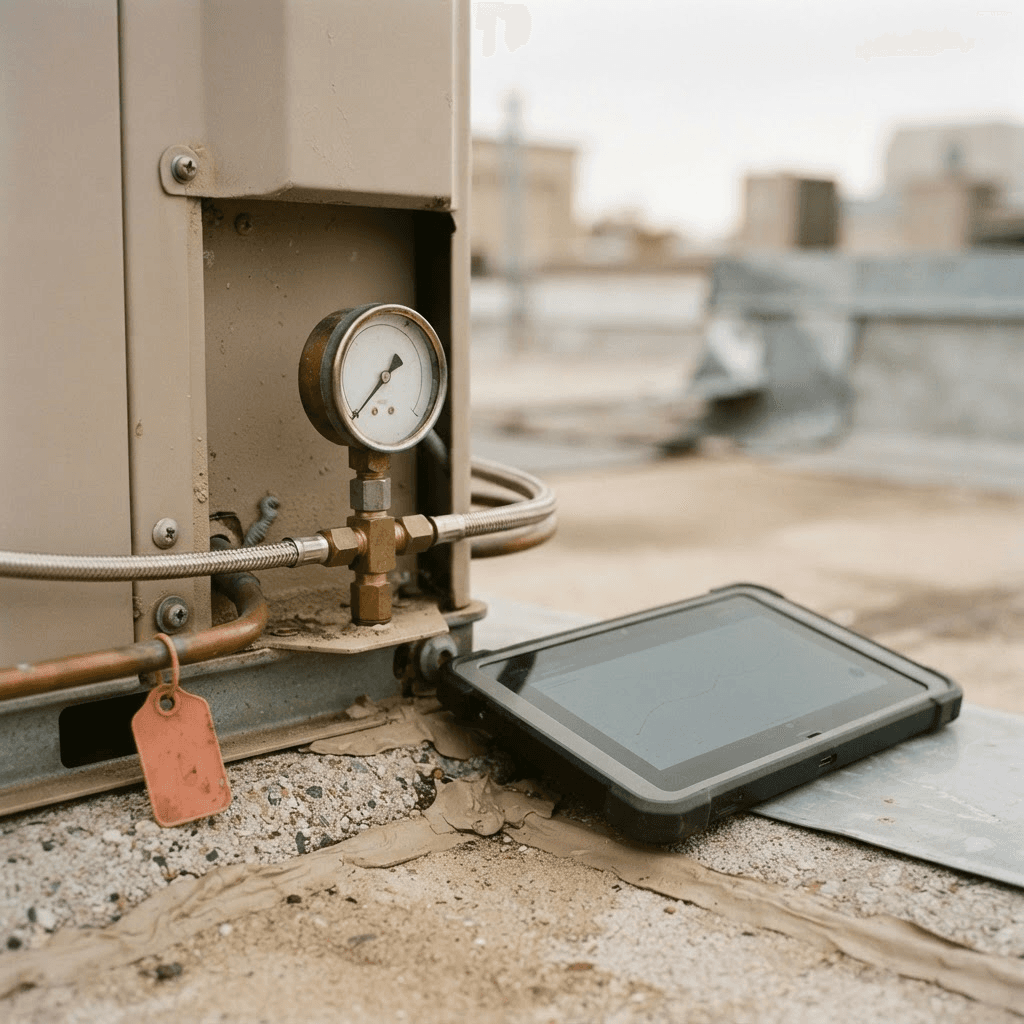
Predictive maintenance for multi-site portfolios: what it actually saves
Predictive maintenance is a budgeting advantage before it is a technology one. Here is what it saves across a leased, multi-site portfolio.
Preventive vs predictive maintenance: which lowers cost across a portfolio?
Preventive bills on a calendar; predictive bills on condition. Here is which lowers cost across a multi-site portfolio, and where each one wins.

The 8 best enterprise asset management software options for multi-site occupiers in 2026
Enterprise asset management software was built for the factory floor. Here are the 8 best options for multi-site occupiers in 2026, ranked.